


How to Do Local SEO for Multiple Locations
Learning how to do local SEO for multiple locations helps businesses with several branches get found in every area they serve. By optimizing location-specific pages and Google My Business profiles, you can boost your visibility on local search results.
With the right strategies, your business can attract more local customers, enhance its rankings, and boost brand awareness across all locations.
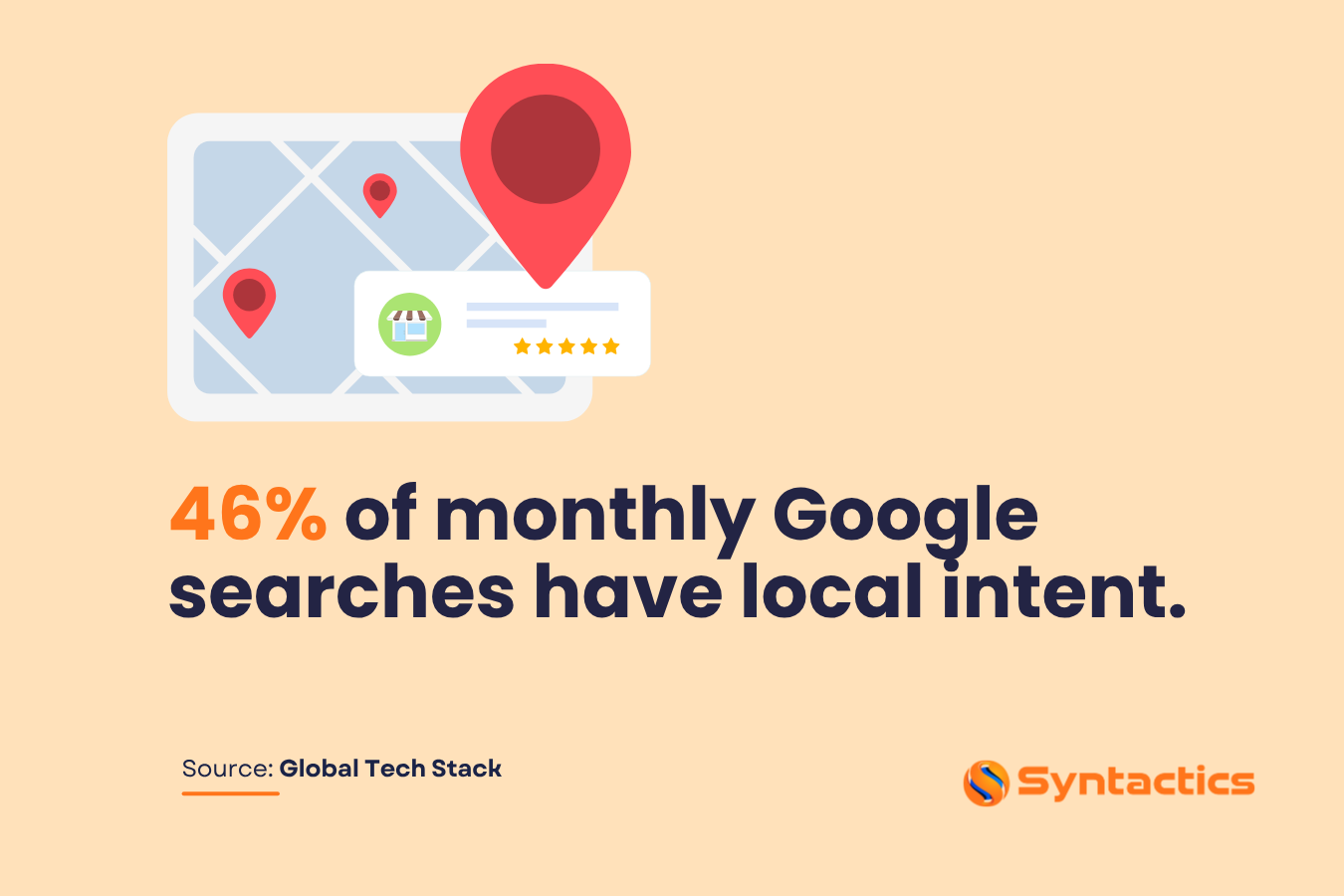
Source: Global Tech Stack
Multi-Location or Multi-Local SEO
Local SEO can significantly boost brick-and-mortar businesses’ reach. But multi-location (also known as Multiple Location SEO) extends that reach for companies with several branches. It’s a strategy for ranking your site’s pages in their specific service area, helping businesses appear at the top of local Search Engine Results Pages (SERPs).
To succeed, optimize On-Page elements so each branch appears in the right local searches. While professional Local SEO Services in the Philippines can manage this, there are key activities to implement:
- Create a dedicated page for every branch.
- Set up and optimize Google Business Profile (GBP) for each location, specifically NAP (Name, Address, and Phone).
- Link your GBP pages to the corresponding website pages.
- Collect reviews or feedback for each branch.
Businesses that follow these Local SEO strategies gain a competitive edge. Mastering how to do local SEO for multiple locations helps each branch attract local customers, improve search visibility, and build a stronger brand presence.
Key Benefits Of Applying SEO for Multiple Locations
Here are the advantages of using Local SEO Strategies for your company’s branches.
Higher Rankings on Local SERPs
Multi-Location SEO increases visibility in local search results. ‘Near me’ searches, in particular, attract customers ready to take action. Optimized location pages and Google Maps listings display essential details, such as business name, address, operating hours, reviews, and images, helping each branch rank higher and stand out.
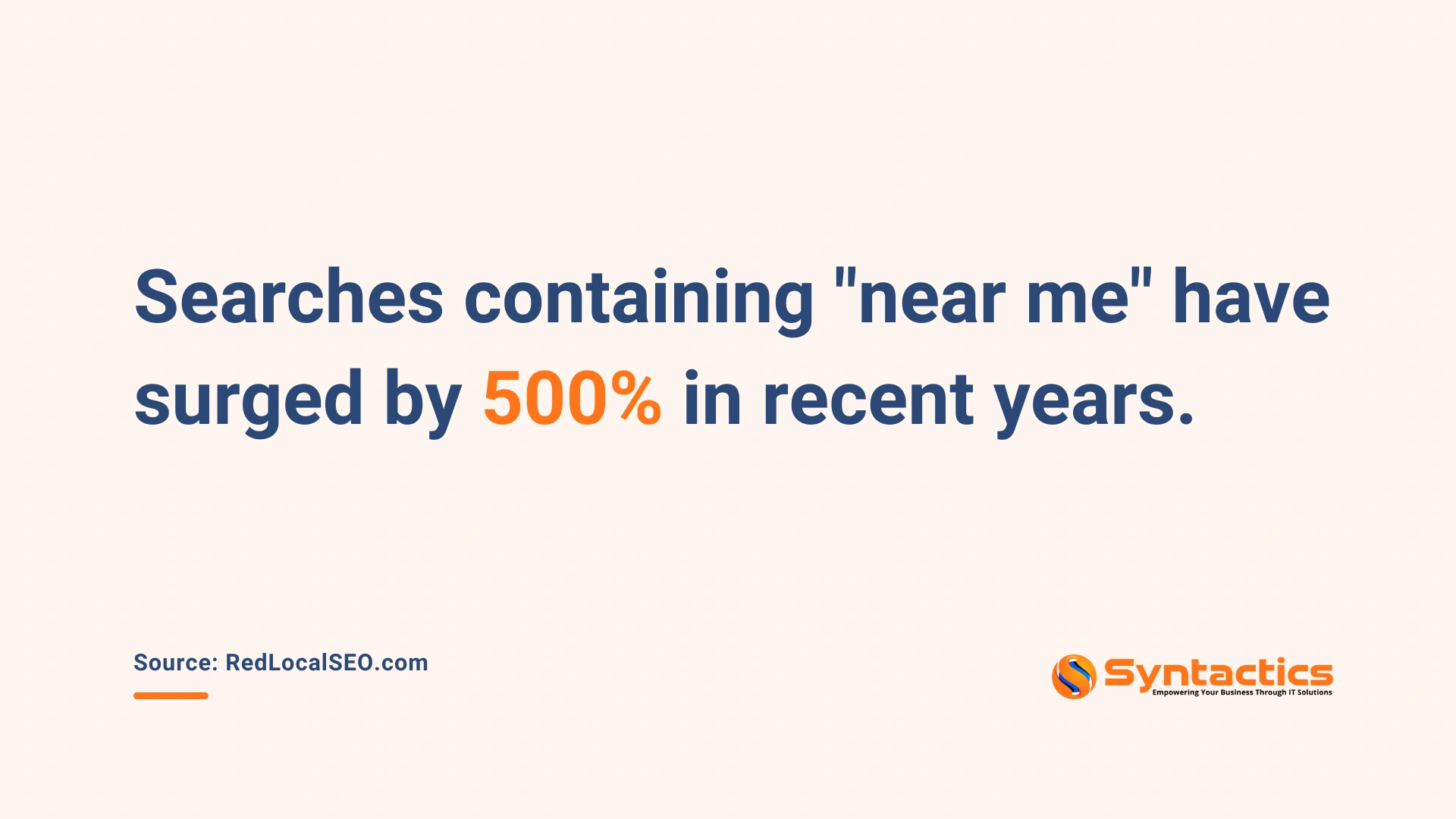
Source: RedLocalSEO
Attract More Local Customers
Greater visibility makes it easier for local customers to find the nearest branch. Studies show that mobile searches for local businesses often result in a call or a visit the same day. Distinguishing each location ensures that the right audience reaches the right branch.
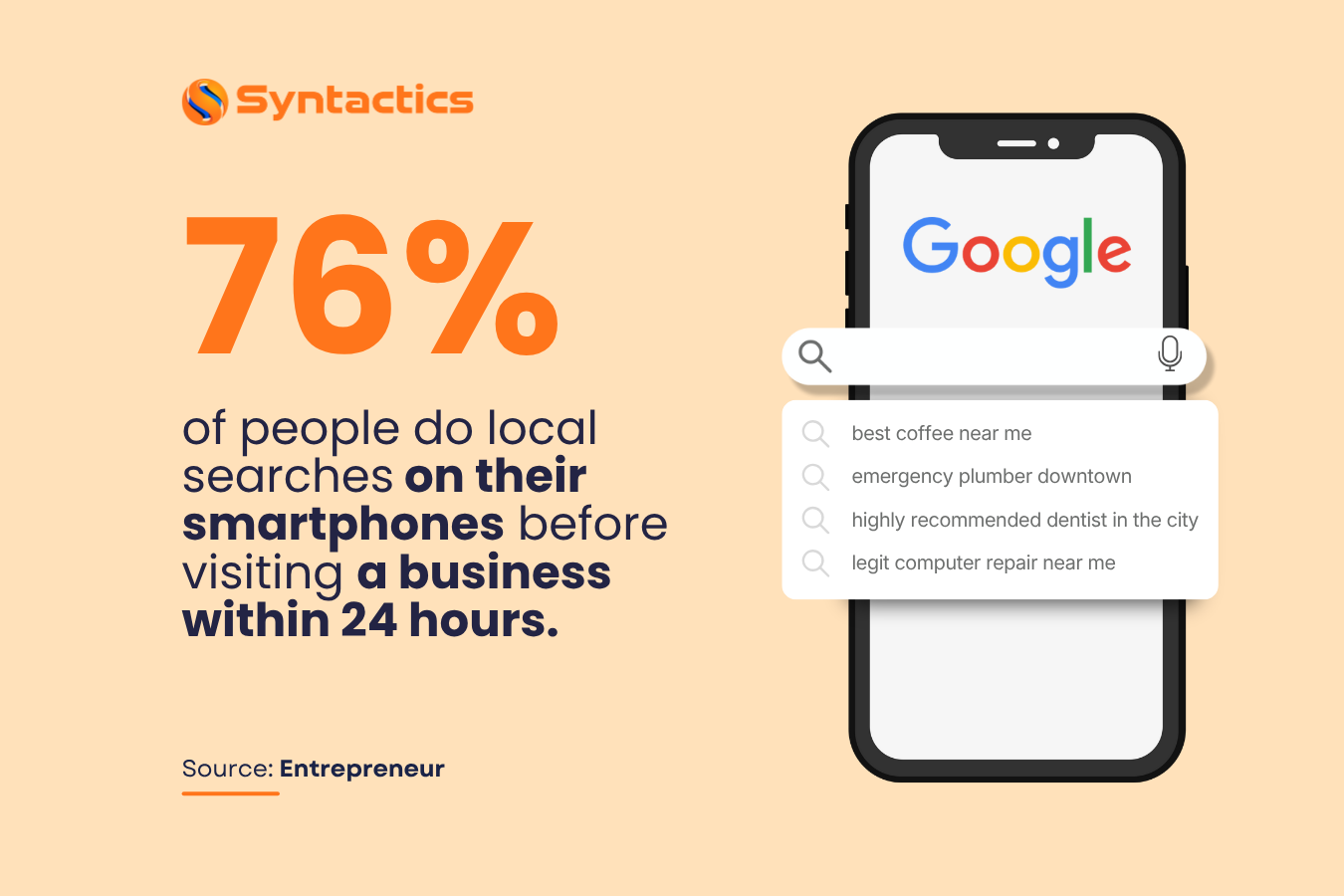
Source: Entrepreneur
Increasing Brand Awareness With Locals
Targeting local keywords and long-tail phrases helps potential customers discover your products or services more easily. Focusing on specific locations generates quicker results than broad national campaigns, driving more foot traffic and enhancing recognition for every branch.
Local SEO Strategies for Multiple Locations
Applying how to do local SEO for multiple locations involves targeted strategies for each branch to improve visibility and attract local customers.
Key tactics include:
Research on Keywords With Local Intent
Focus on long-tail keywords paired with location-specific terms. Keywords containing phrases like “near me” help each branch appear in relevant local searches. Targeting the right keywords increases the chances of earning a spot in Google’s Local 3-Pack, where the top three businesses in a given area are highlighted.
Create Separate Pages for Each Location
Each branch should have its own detailed page with relevant content for local visitors. Include branch-specific addresses, phone numbers, services, and unique content that reflects the local audience. This distinction ensures each page targets the right customers and drives traffic to the corresponding branch.
Optimize Your Location Pages
Ensure URLs, meta titles, and descriptions include local keywords and clearly indicate the branch location. Adding Google Maps embeds, schema markup, and a FAQ section can improve search engine understanding and enhance user experience.
Set Up a GBP Page for Each Location
Create a Business profile for each location, with consistent information including images, operating hours, business description, contact details, and website URLs. Maintaining uniform formatting across profiles makes it easier for search engines and customers to access accurate information.

Collect and Manage Reviews from Customers
Positive reviews improve visibility and credibility. Encourage customers to leave feedback via email or SMS, and respond thoughtfully to reviews to build trust. Even constructive feedback provides opportunities to engage with customers and refine services.
Implementing these strategies consistently strengthens each branch’s online presence, helping businesses attract local customers and enhance their overall search visibility.
Final Thoughts
Optimizing each branch with how to do local SEO for multiple locations helps businesses stand out in local search results and attract nearby customers. Creating dedicated location pages, maintaining Google My Business profiles, and collecting reviews ensures every branch gains visibility and credibility.
Consistently applying Multi-Location SEO strategies drives higher rankings, more organic traffic, and stronger connections with local audiences, giving businesses a clear competitive edge.
For expert support, Syntactics, Inc. offers professional local SEO services in the Philippines, helping your business optimize its presence across all locations and reach more customers effectively.

This article was updated on November 19, 2025.
FAQs About Multi-Location SEO
What is Multi-Location SEO?
Multi-location SEO is the practice of optimizing each branch or location of a business to rank higher in local search results, making it easier for customers to find the nearest branch.
Why is local SEO important for businesses with multiple locations?
It increases visibility in local search results, attracts nearby customers, drives foot traffic, and boosts brand awareness for every branch.
How can I do local SEO for multiple locations?
By creating separate location pages, optimizing Google My Business profiles, targeting local keywords, adding reviews, and using schema markup for each branch. Contact our local SEO experts for a strategy call.

About Jalou Batilong
Related News:


The Importance of Content Updates in Website SEO

Designing Social Media Post Images Using Adobe











Comment 0