


Best Tools on How to Improve Website Speed and Performance
Driving traffic to your website starts with great content, but keeping visitors engaged depends on accessibility and speed. According to Website Load Time Statistics, bounce rates reach 32% if a page takes three seconds to load. This indicates that every extra second matters in user experience and SEO (Search Engine Optimization).
While design elements, content, and functionality are essential, your website should never compromise the loading time. That’s where website speed tools come in. These tools help you measure and optimize performance, ensuring your site remains fast, user-friendly, and search engine-ready.
Website Speed and Why it Matters
With great skill in creating astounding websites (with CSS!) comes great responsibility. Beyond design and functionality, web developers are required to prioritize speed. After all, a fast-loading site is a staple item on any Web Developer’s SEO Checklist, as it directly affects User Experience (UX), search performance, and conversions.
Here’s why website loading speed plays such a crucial factor:
1. It creates a strong first impression.
If visitors open your site and it loads within three seconds, they’ll likely continue exploring. However, four or five-second delays can frustrate users and damage your brand image, no matter how visually impressive the site looks.
2. It helps you rank high on SERPs.
Google considers site speed a ranking factor. Faster-loading pages support keyword rankings while improving UX, giving you a competitive advantage on SERPs. Even during a website migration process, maintaining consistent page speed is essential to avoid ranking drops.
3. It retains and boosts conversions.
Slow-loading websites risk higher bounce rates and lost sales opportunities. This is especially critical for e-commerce websites where even a slight delay can result in abandoned carts. Optimizing page speed ensures your visitors stay engaged and more likely to convert.
For all these reasons, checking and improving your site’s performance is vital. That’s where website speed test tools come in handy.
Website Speed Test Tools to Monitor and Optimize Loading Speeds
Google PageSpeed Insights
As the name indicates, PageSpeed Insights comes from Google. It’s accessible and easy to use. However, this isn’t strictly a tool for checking a website or page’s loading speed. It allows you to check how your mobile and desktop versions are doing.
Google PageSpeed Insights will score your site. It reports various aspects, such as how quickly images and text appear and how quickly users can interact with the page. PageSpeed Insights also suggests improving your site and its loading time, which is excellent if you need to check your page speed.
WebPageTest
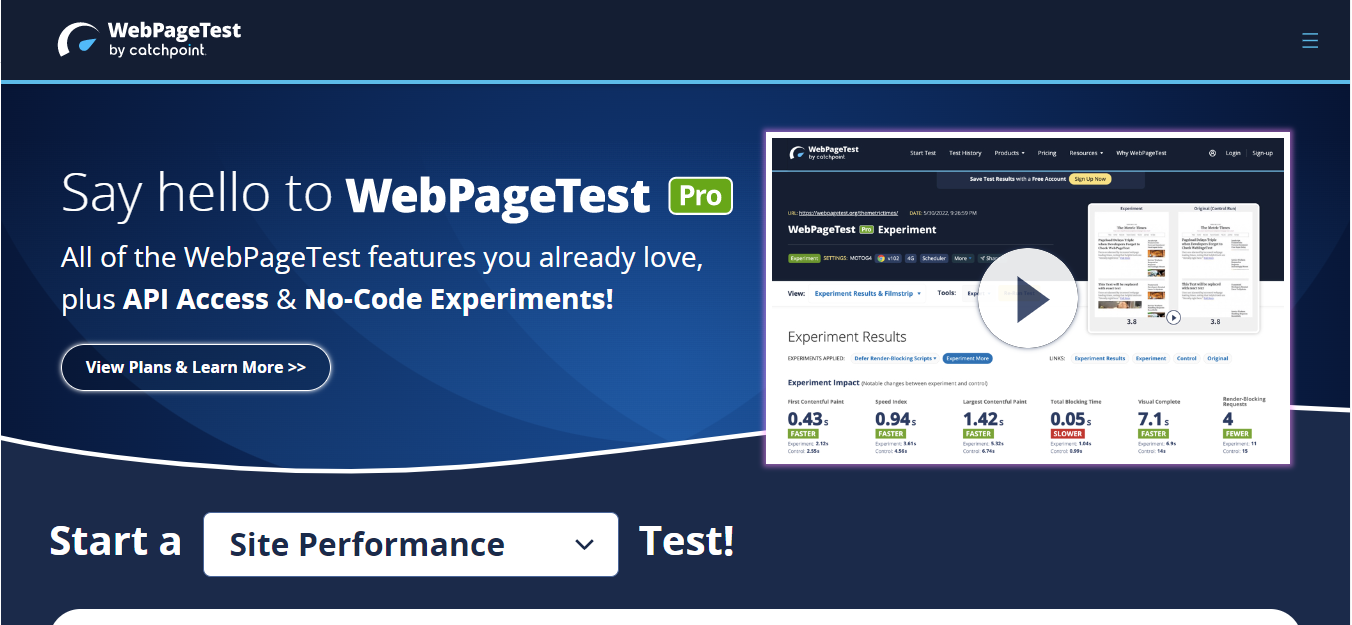
WebPageTest is trustworthy, free, and open-source! This tool lets you see your site’s loading time performance on multiple browsers. It shows discrepancies between browsers. This tool also enables you to run several tests to check for consistent performance. Additionally, WebPageTest allows users to create customized settings for each run.
Though some of its results metrics may be challenging for casual users, you’ll get detailed performance insights if you input your website URL.
GTmetrix
GTmetrix is a free tool to check page speed that’s user-friendly and navigable. It provides benchmarks against average site performance and additional metrics. So even if you’re not a seasoned web developer, this website speed test tool helps you discover where your issues originate.
Additionally, GTmetrix ranks and even scores the issues and lets you see specific examples of the problem files. The results are downloadable, too. The tool offers a paid plan with many options, allowing you to check on more URLs and page settings.
Dareboost
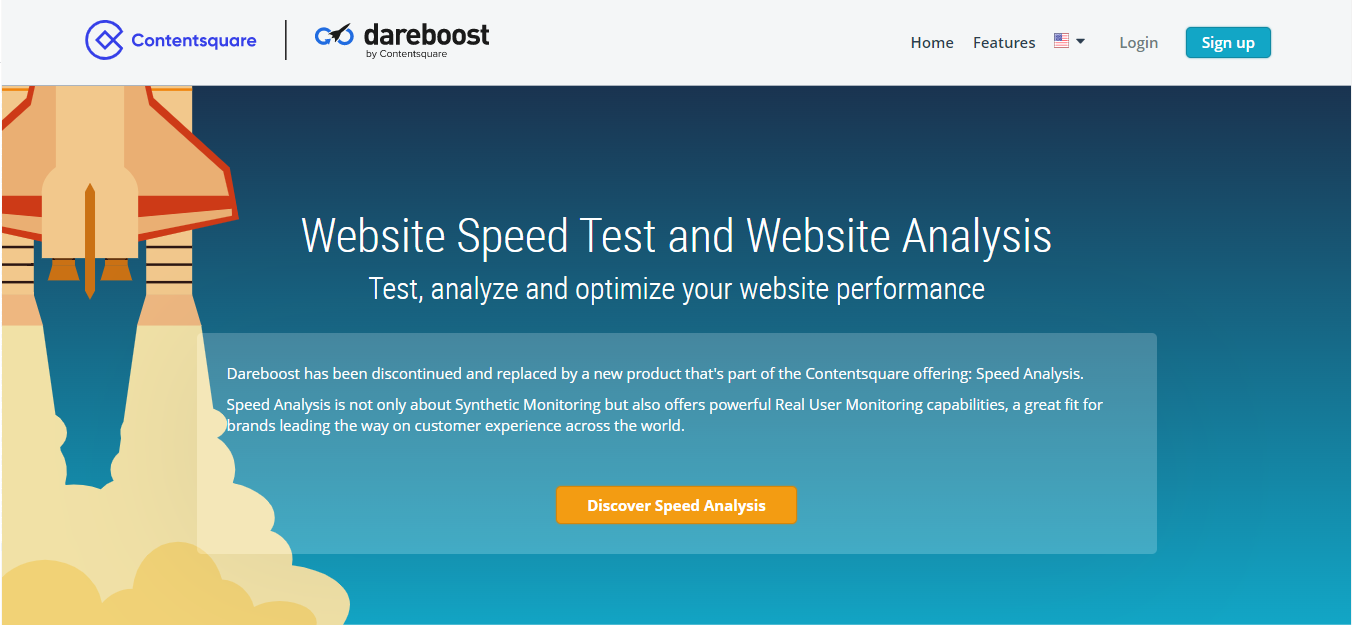
This website speed test tool breaks down your data while giving digestible explanations. Its site loading speed reports provide insights, whether you are new to web development or an old hand.
Dareboost is an excellent tool for people who favor visual representations in reports. You also get tips and suggestions for improvement, and it lets you see your loading process in great detail.
However, Dareboost only permits one free page speed test. If you want to return for a second, you’ll have to sign up for an account. (Don’t worry, it’s free!) It also offers paid plans, which you can configure as you need.
Solarwinds Pingdom
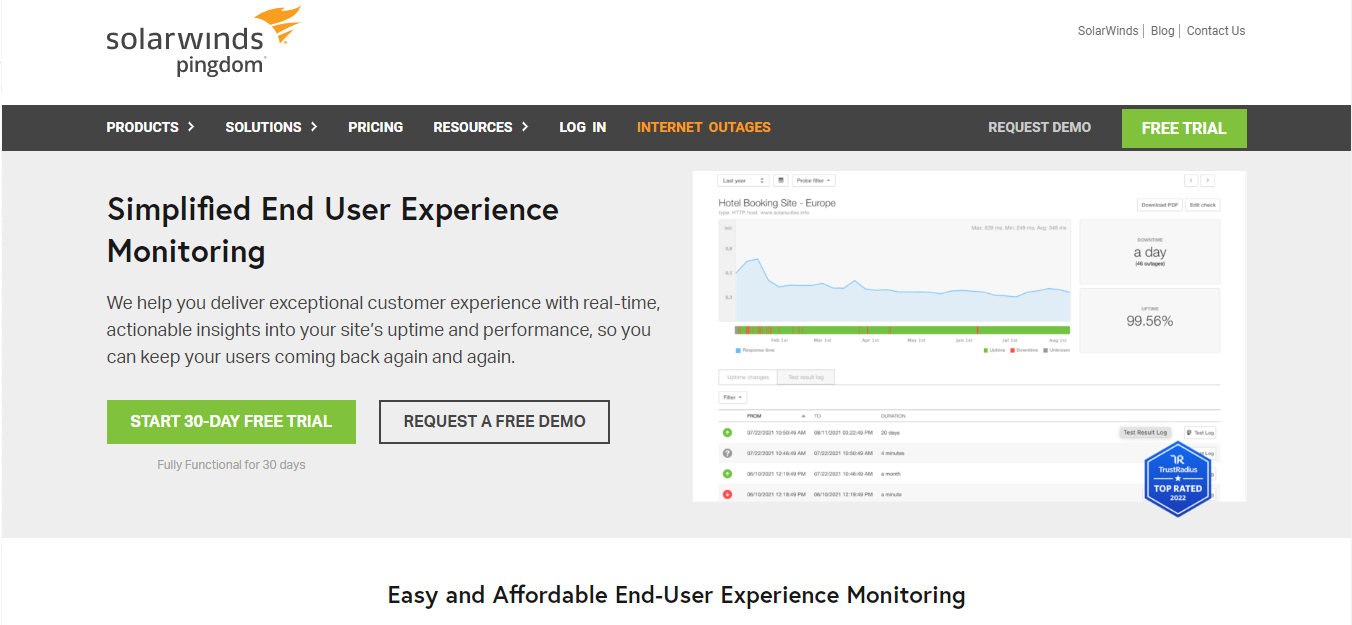
This free Website Speed Test tool allows you to check your website’s loading speed from different locations. With Pingdom, users see what file types are slowing the site down.
Pingdom presents data in a way that’s easy to read and invites a deeper look at the same time. It’s helpful for both casual users and experienced web developers.
Pingdom’s results give you grades on your performance metrics and a list of site issues that can help your site’s loading time.
Here are some other Website Speed Tools that can test loading speeds:
- Uptrends
- Alertra
- Cloudinary Website Speed Test (Image Analysis Tool)
- KeyCDN Website Speed Test
- SEO Site Checkup
- Site 24 x 7
- Dotcom-Tools.com
- Yellow Lab Tools
- Google Chrome DevTools
Boost Performance Website Loading Speed Test Tools
Web developers rely on tools that check page speed. Ideally, a page should load in three seconds or less to hold the visitor’s attention. A quick-loading site creates a strong first impression, increases the chances of converting visitors, and supports your search engine rankings.
That’s why website speed test tools are essential for any web developer. However, different web development companies may use several tools. So, it’s worth exploring options or partnering with web design and development experts in the Philippines to see which solutions work best for your site.
Get Design and Functionality
Specific to your Brand!
- Build a website that's mobile-friendly and responsive.
- Custom designs aligned with your brand.
- Optimized for SEO and user experience.
- Scalable and feature-rich solutions.
This article was updated on September 26, 2025.
FAQs About Website Speed Test Tools
Why is website speed important for SEO?
Website speed is a ranking factor on Google. Faster-loading sites provide a better user experience, reduce bounce rates, and increase the chances of ranking higher on Search Engine Results Pages (SERPs).
How often should I test my website speed?
Regular testing is best, especially after major updates, design changes, or a website migration process. Routine checks ensure your site stays fast and user-friendly.
Can website speed affect conversions and sales?
Yes. Even a one-second delay in loading time can reduce conversions. For eCommerce sites, fast loading is critical to prevent abandoned carts and maximize sales. Contact us for a strategy call.

About Xenia Labis
Related News:

5 Essential Steps to Make Remote Work Secure

What are Business Applications or Software?


Why a Hero Banner is Better than a Hero Slider

Why Fix Broken Links on Your Business Website








Comment 0