


Expert Guide to Regression Testing for Websites and Web Apps
Though website design and development create the web project, testing ensures it meets high-quality standards. One type of testing that plays a crucial role is regression testing. It enables QA testers to verify if updates have introduced unforeseen changes or regressions in the site or app.
During the quality assurance process, testers continuously evaluate a website or web app’s functionality. Functional Testing is performed during development to ensure all bugs are identified and fixed before deployment. Meanwhile, regression testing (also done during development) focuses on verifying that existing modules remain unaffected by new changes..
With regression testing, a developer can catch these defects or bugs early, ensuring your website or application continues to function as intended.
Website Regression Testing During the Development Process
Testers regularly revisit test cases as part of the Quality Assurance process, especially after developers make changes to the design, functionality, or business requirements.
For example, a Web Design and Development team may complete five modules according to the initial requirements. If the client requests changes in module six, and module six is connected to module three, developers will need to update module three as well.
After these modifications, QA Specialists recheck the affected modules to ensure they still function properly. Even previously tested components require verification after updates, making regression testing a critical step.
Here are some ways this testing type can improve your website or web application:
- Maintains the Site or App’s Stability: Detects issues after code changes to prevent crashes or unexpected behavior, ensuring a smooth User Experience.
- Preserves Existing Features: Ensures that current functionalities continue to work as intended after updates.
- Identifies and Fixes Regression Bugs: Finds defects introduced by recent changes before launch.
- Enhances Overall Quality Assurance: Continuous web application QA testing helps reduce defects and improve performance.
- Supports Agile Development and Continuous Integration: Validates modifications in frequent iterations, enabling faster and more reliable releases.

Types of Website Regression Testing
There are three main types of tests: Partial, Complete, and Selective.
Partial Regression Testing
In Partial Regression Testing, only a specific group of test cases focusing on the modified portions of the web project is executed. This approach speeds up testing without compromising project quality.
Full or Complete Regression Testing
Complete Regression Testing re-examines the entire website or app. It is usually performed after significant code changes or high-risk updates. While thorough, this type is time-consuming and requires substantial resources.
Selective Regression Testing
Selective Regression Testing checks only the test cases most likely to be affected by recent updates. Test cases are chosen based on:
- Risk analysis;
- Prioritization, and
- Modified areas of the project.
This testing type can optimize QA testing efforts only on components with critical functionality. As a result, it reduces overall testing time.

The Regression Testing Process
Website Regression Tests validate whether existing features still function correctly after updates. This process is repeated as often as needed based on the frequency of modifications. Using the right quality assurance tools and considering automation can further streamline this workflow.
Here’s how the testing process works:
Identify the Test Cases
Start by selecting suitable test cases that cover:
- Crucial functionalities;
- Features important to end-users, and
- Areas most likely affected by recent changes.
Review past test suites, user scenarios, and defect reports to guide your selection.
Create Test Data and Determine Test Coverage
Test data on various scenarios and inputs to execute your test cases. Depending on the nature of your web project, you may need to acquire or create the data. But it must represent real-world user interaction. That way, you can effectively validate the website or web application.
Selection and Setup of Test Environments
Configure a test environment that closely mirrors the production setup. This includes:
- Hardware;
- Software;
- Network settings;
- Databases, etc.
Accurate environments help ensure reliable test results.
Execute the Tests
Run your test cases on your modified system and consider performing a baseline test. Then, compare the actual results with your initial expectations. Utilize automated testing tools to expedite test execution.
Document and Evaluate Test Results
Record all findings, including:
- Inconsistencies or defects;
- Discrepancies between the outcome and the expected results;
- Any new concerns about the project, etc.
Analyze the recorded results to determine how the changes affect the project’s functionality. Use the report to identify other issues that require further consideration.

Prioritize the Fixes
To ensure the website or app performs as expected, address any bugs found during the testing stage. Prioritize issues according to the severity and impact on project functions.
The QA team should fix defects and, most importantly, eliminate regression bugs to ensure that fixes take effect. During retests, you must validate if there are no new issues or regressions.
Bonus: Test Automation
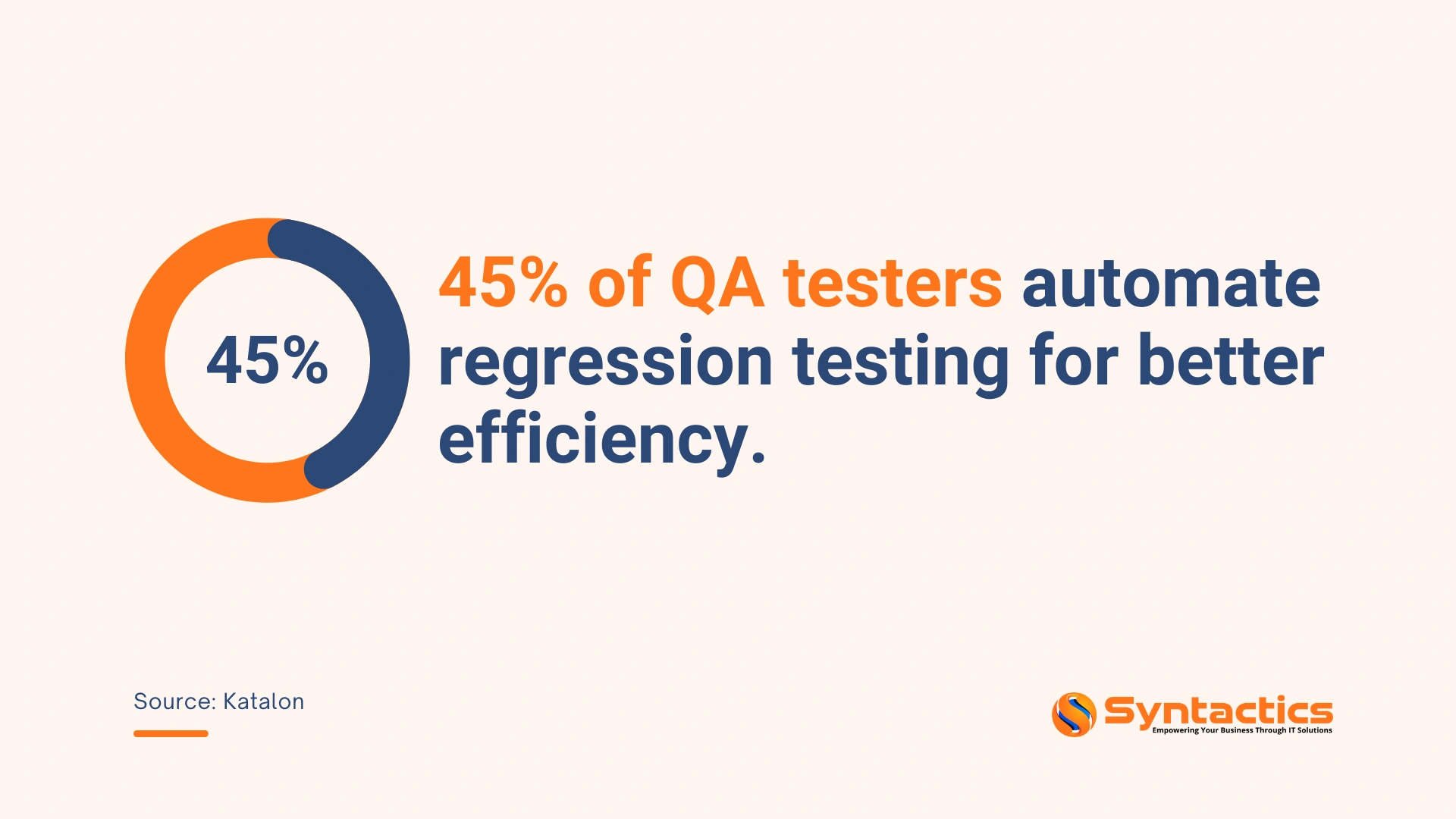
Automation streamlines regression testing by reducing manual effort and increasing accuracy. Tools like Selenium, Cypress, or Playwright handle repetitive checks, improve test coverage, and identify issues earlier in the development process. This supports faster releases while helping your QA team maintain consistency across frequent updates.
Source: Katalon
Final Thoughts
Website regression testing examines if updates to a site or app have introduced any changes that might affect functionality. It ensures modifications don’t create bugs or disrupt existing functions. After every update, you can apply Partial, Full, and Selective Regression Testing to examine the project thoroughly.
This testing type is vital to the development process because it accomplishes the following:
- Maintains the project’s stability;
- Ensures all features work as intended;
- Identifies regression bugs for fixing;
- Contributes to overall project Quality Assurance;
- Assists Agile Development and Continuous Integration, and
- Enhances end-user satisfaction.
Get an experienced Web QA Tester to keep your website or application reliable, even as new updates roll out.

This article was updated on November 26, 2025.
FAQs About Regression Testing
What is Regression Testing in web development?
Regression Testing checks whether recent updates or code changes have unintentionally affected existing features. It ensures the website or application continues to function as expected after modifications.
How is Regression Testing different from Functional Testing?
Functional Testing verifies whether features work according to requirements. Regression Testing, meanwhile, confirms that previously working features still operate correctly after new updates are introduced.
Is Regression Testing only done manually?
No. While manual testing remains common, automation tools are increasingly used to execute repetitive test cases more quickly and accurately, particularly for large or frequently updated projects. Get in touch with our QA specialists to learn more.

About Xenia Labis
Related News:

JavaScript Coding Standards for WordPress: A Guide












Comment 0