

What Tools Do Web Designers Use for Modern Websites?
A well-designed website is essential to get ahead in today’s digital landscape. But what tools do web designers use to achieve seamless, engaging, and SEO-friendly designs? From asset libraries to responsive frameworks, these tools shape user interactions, first impressions, and branding online.
In fact, responsive website design plays a critical role in boosting search visibility. That’s why dedicated website designers rely on the right asset libraries and software to create compelling, user-centered websites.
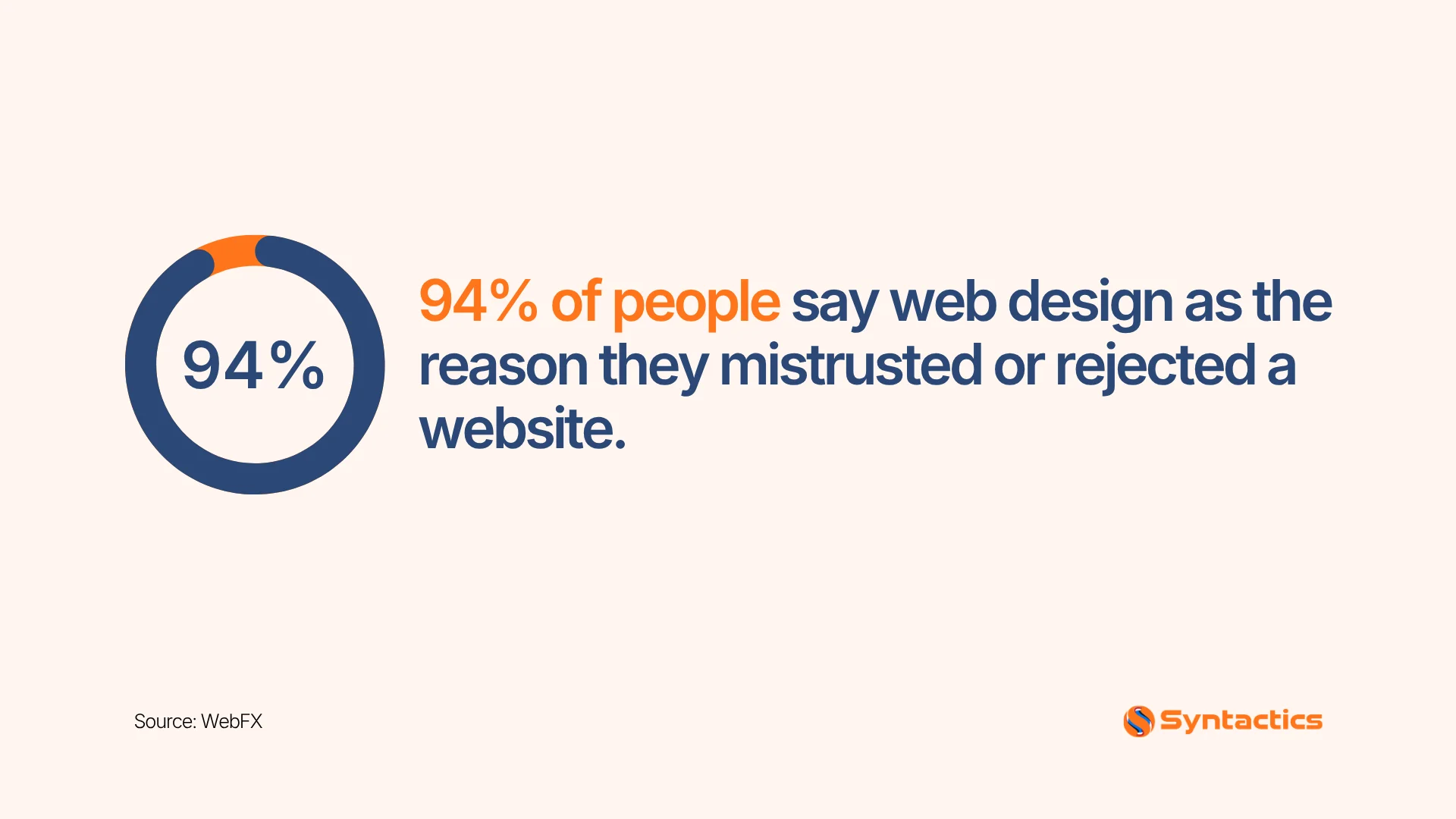
Source: WebFX
Key Takeaways
- Design asset libraries: Adobe Color, Google Fonts, Font Awesome
- Graphics and animation tools: Three.js, GSAP, Adobe Animate
- Graphic design software: Adobe Creative Cloud
- Responsive frameworks: Bootstrap, Foundation
- UX/UI prototyping platforms: Figma, Sketch, Axure RP
Together, these tools help dedicated web designers build visually consistent, functional, and SEO-friendly websites.
What Tools Do Web Designers Use?
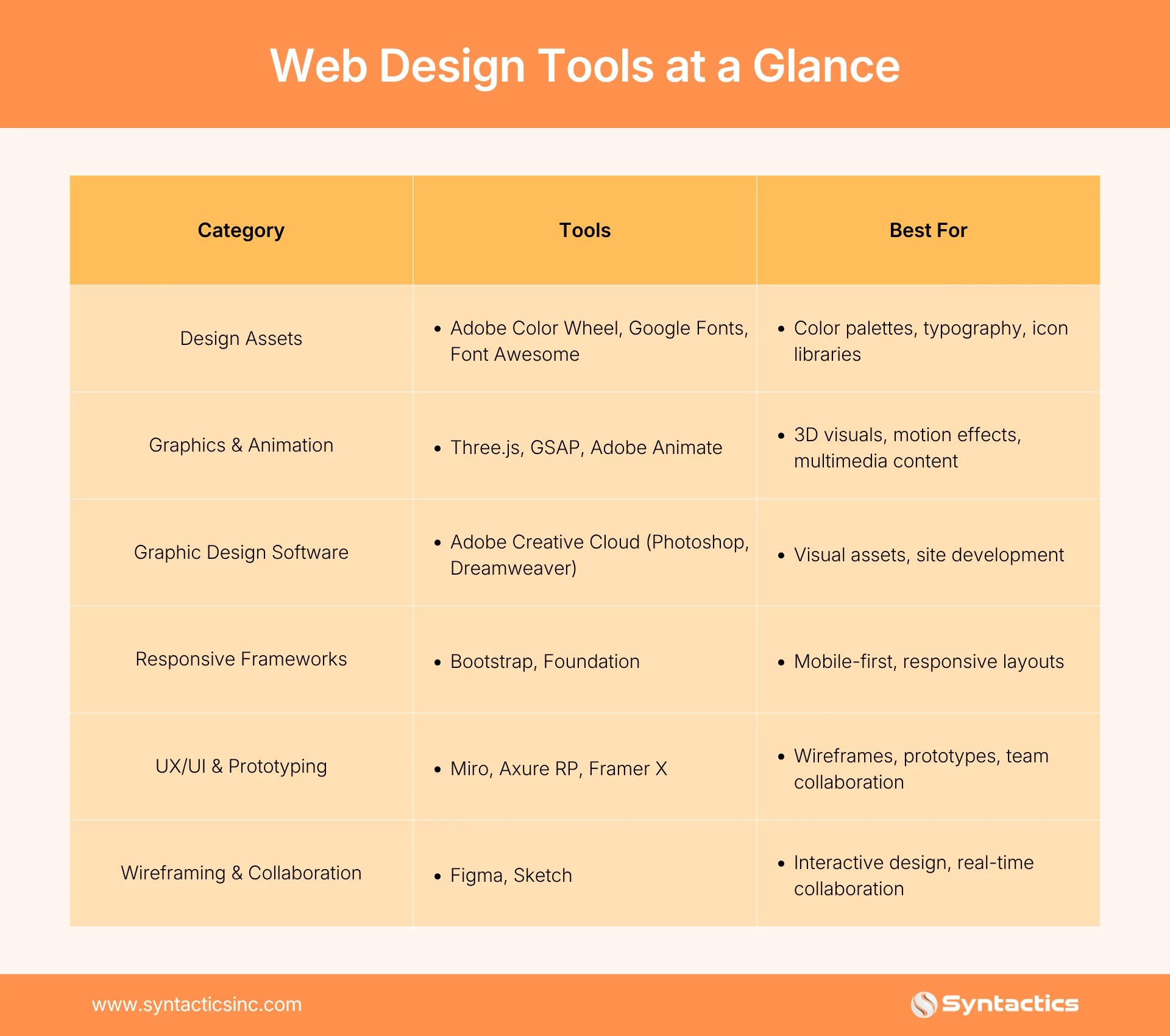
When businesses ask what tools web designers use, the answer depends on the project’s goals. From colors and typography to animation and responsive testing, professional web designer tools ensure visually consistent, user-friendly, and SEO-ready websites.
Here’s a breakdown of the most essential web design tools that a dedicated development team can leverage.
Design Assets: Color, Typography, and Icons
Color and typography are crucial design elements for websites and mobile applications. Dedicated designers also need asset libraries for other core aspects of professional web design, including dynamic web elements and graphics.
Adobe Color Wheel
A popular online tool for web design, Adobe Color Wheel (Adobe Color CC) generates harmonious color palettes for web or app projects. It offers the following features:
- Color wheel exploration
- Color themes extracted from images
- Manual color rule adjustment
- Seamless integration with other Adobe Creative Cloud applications
Google Fonts (Typography)
One of the most widely used web design tools, Google Fonts is a free library offering diverse, web-friendly font styles, including serif, sans-serif, display, and handwriting. Its features include:
- Easy integration via CSS or API
- Font-pairing suggestions
- Enhanced readability and branding consistency
Font Awesome (Icon Fonts)
Font Awesome is a scalable vector icon library that replaces the need for multiple image files. Key features include:
- Customization by size, color, and style
- Simple CSS integration
- Useful for navigation menus, buttons, and UI elements
Graphics, Animation, and Interactions
Three.js (for 3D Graphics)
Three.js is a JavaScript library that simplifies 3D visuals for websites. It offers several features, such as:
- Building VR/AR experiences
- Enabling interactive product views for eCommerce
- Creating animations for education, gaming, and storytelling
- Cross-browser compatibility and active community support

GreenSock Animation Platform (GSAP)
GreenSock Animation Platform is a JavaScript library well-known for high-performance motion effects. Designers use it to:
- Add page transitions, sliders, and infographics
- Create scroll-triggered animations
- Ensure compatibility across major browsers
- Simplify complex animation coding for web-based games
Adobe Animate
Formerly Adobe Flash Professional, Adobe Animate is a multimedia authoring and animation tool used to create animations, content, and multimedia apps for websites. Adobe Animate offers the following features:
- Vector animation support
- Timeline-based animation workflow with keyframe support
- Export animations to HTML5 Canvas
- WebGL support for interactive components
- Multiplatform output
- Character animation
- Audio integration
- Seamless integration with other Adobe Creative Cloud applications
Beyond web animations, Animate can also create educational content, interactive games, rich multimedia presentations, mobile app interfaces, and online video content.
Graphic Design Software
Adobe Creative Cloud Suite
Creative Cloud is a go-to set of web design tools for professionals and any dedicated development team, giving them access to tools for graphic design, video editing, and web development. Here are the tools dedicated web designers use most:
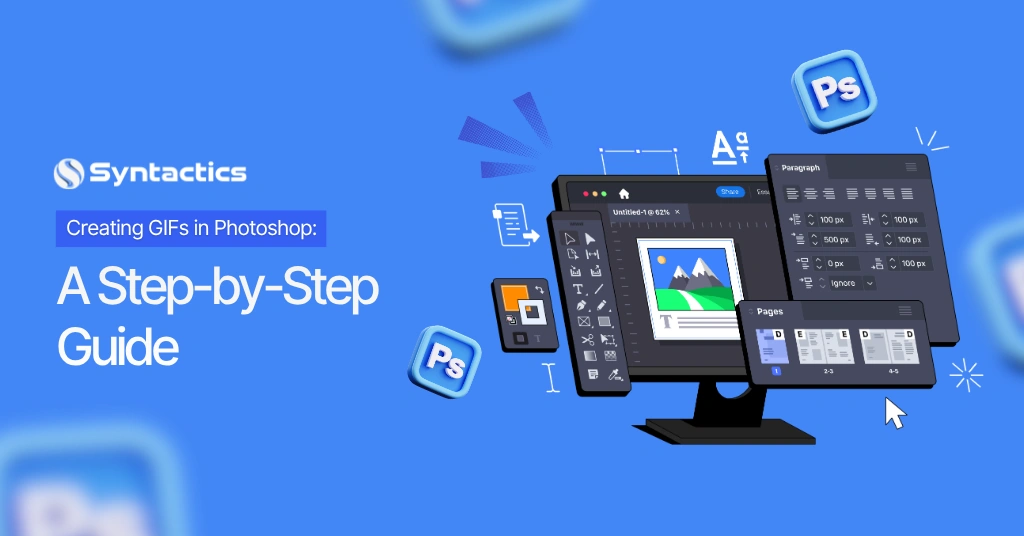
- Photoshop — a popular graphics editor with versatile features, useful for creating visual assets for web design purposes
- Dreamweaver — a web development app for coding, designing, and managing sites
Responsive Design and Testing Tools
Part of website design and development is ensuring that designs are responsive and thoroughly tested.
Bootstrap
This tool is a front-end framework for creating responsive, mobile-first websites with pre-designed HTML, CSS, and JavaScript components. It’s ideal for rapidly prototyping web projects and ensuring a consistent user experience. Bootstrap offers designers the following features:
- A responsive grid system
- Pre-built CSS components
- JavaScript plugins
- Responsive utility classes
Foundation
Another responsive framework ideal for modular layouts is Foundation by ZURB. This tool offers the following features:
- A responsive grid system
- Pre-designed CSS and JavaScript components
- Flexbox support
- Easy theme customization
 Source: Northern Arizona University
UX/UI and Prototyping Tools
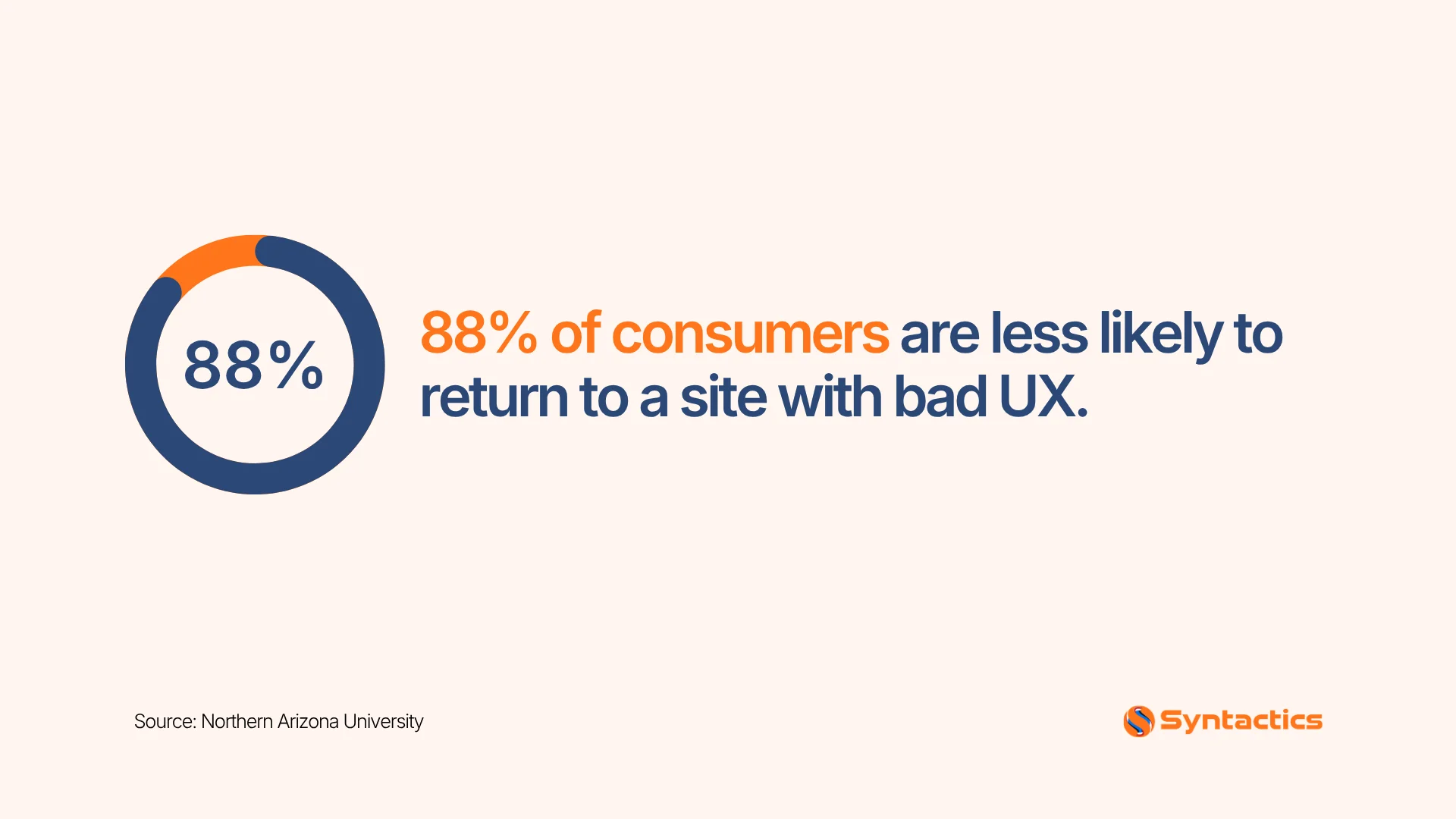
User Experience (UX) and User Interface (UI) design are vital for creating user-friendly websites and applications. If a website offers a poor experience, consumers are less likely to visit it. These web design tools help teams collaborate and test interfaces effectively.
Miro (formerly InVision)
Miro is an excellent addition to a dedicated developer team’s UX/UI design toolkit. Designers can use the tool to:
- Create interactive prototypes with transitions and animations
- Gather feedback through user testing features
- Collaborate with designers and other stakeholders
Axure RP
Axure Rapid Prototyping helps designers create wireframes, high-fidelity prototypes, and specifications for websites and applications. It’s particularly well-suited for large and complex projects. Axure RP features include:
- Wireframe and high-fidelity prototype creation
- Dynamic content implementation
- Conditional logic and variables
- Team collaboration
- Detailed design documentation
Framer X
Framer X is ideal for designers who have experience with React or want to learn it. Key features include:
- React integration
- Component customization and override
- Code-based design approach
- Real-time team collaboration
 Source: Venngage
Wireframing and Collaborative Design
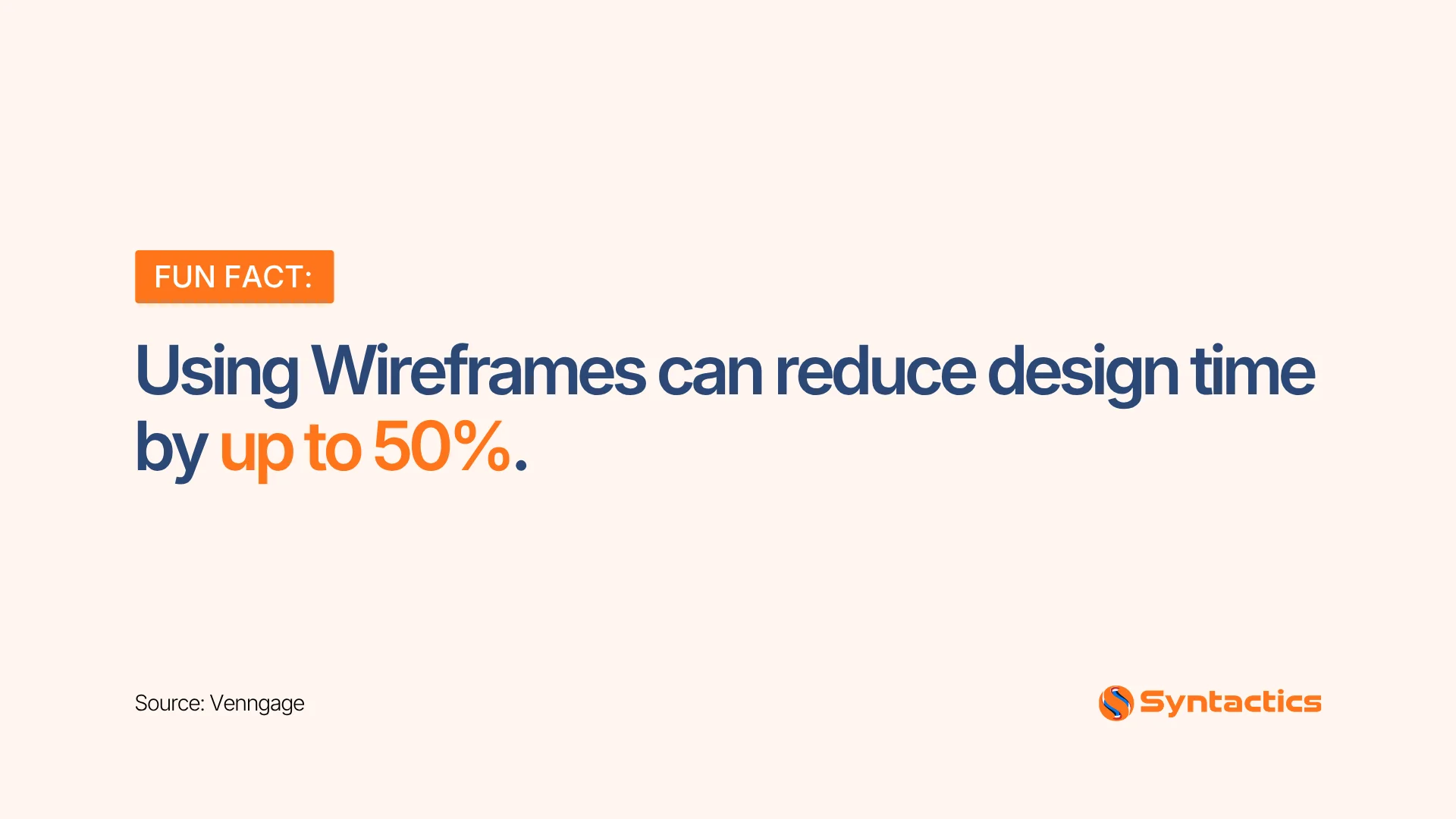
Wireframes are a visual communication tool designers use to convey the layout and structure of a web page or application to stakeholders. They also reduce the time needed for the overall design process.
Figma
Figma allows designers to collaborate on a design in real time. The best feature of this tool for web designers is its cloud-based collaborative design. Figma’s free version includes the following built-in features:
- File and project organization
- Auto Layout
- Components
- Prototypes
- Components and Styles libraries
- Version History
- Community resources, including widgets, plugins, and files

Sketch
If your website designers use Mac products, consider Sketch, a vector-based design tool exclusively available for macOS. It’s easy to use and offers exceptional vector editing capabilities, making it a solid addition to any dedicated web designer’s toolkit. Key features include:
- Speed
- Ease of use
- Optimized for vector design
- Support for third-party plugins and integrations
- Shared libraries
Final Thoughts
Web design plays an essential role in helping businesses succeed online. These professional web designer tools enable teams to create visually appealing, functional, and SEO-friendly websites or applications. By collaborating with a dedicated development team equipped with the right tools for website design, you can ensure your projects make a strong first impression.
Looking to build or upgrade your website with a dedicated design and development team? Contact Syntactics to discuss your project.

This article was updated on September 15, 2026.
Frequently Asked Questions
What tools do web designers use most often?
Professional web designers use a combination of asset libraries, graphic design software, animation tools, responsive frameworks, and UX/UI prototyping platforms. Examples include Adobe Creative Cloud, Google Fonts, Three.js, GSAP, Figma, and Bootstrap. These web designer tools help create visually appealing, functional, and SEO-friendly websites.
Are free web designer tools as effective as paid ones?
Some free tools like Google Fonts, Figma’s free version, and Font Awesome offer robust functionality for many projects. Paid tools, however, often provide advanced features, extended libraries, and priority support, which can benefit complex or large-scale projects.
What web design tools are recommended for mobile-friendly websites?
Tools like Bootstrap and Foundation help designers build responsive, mobile-friendly sites. Combined with asset libraries, typography tools, and prototyping platforms, they help deliver a seamless mobile experience.
Contact us for professional web design and development services.

About Xenia Labis
Related News:



Web Page Comments and Letting Users Leave Them









Comment 0